There is a moment in every data engineering project that triggers a specific kind of dread in a senior architect. It’s not when the API rate limits hit, and it’s not when the cluster fails to scale.
It’s when a business stakeholder, full of optimism and knowing you are magic, says: “Oh, the data isn’t in the ERP. It’s in this Excel file on SharePoint. Can we just ingest that?”
For years, we had a natural friction that protected us. Ingesting Excel into a distributed compute environment like Spark was technically annoying. It required third-party libraries (like com.crealytics:spark-excel), clunky looping logic, or converting files to CSVs which stripped away formatting but also broke half the time (for so many reasons). That friction forced a conversation. It forced us to ask, “Is there a better way?”
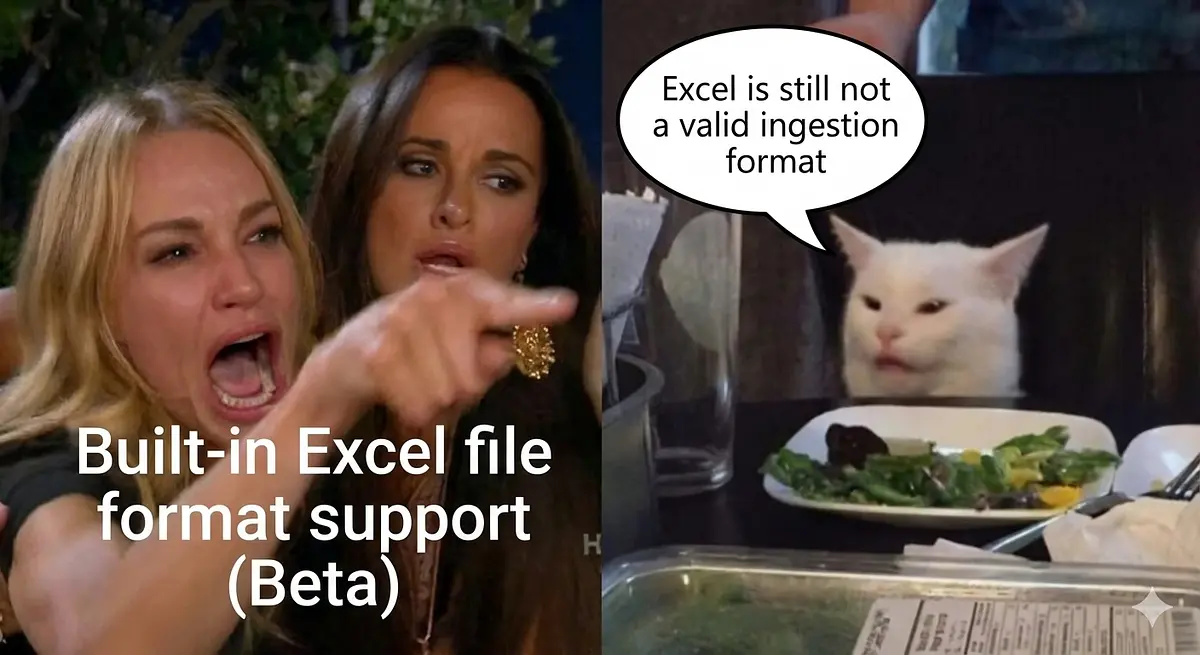
Databricks just removed the friction.
In the December 2025 release, Databricks introduced built-in Excel file format support and a customizable SharePoint connector.
Technically, this is brilliant. Businesses will rejoice and point to this when someone tells them no about their excel file… but strategically, if you are not careful, this is a disaster waiting to happen.
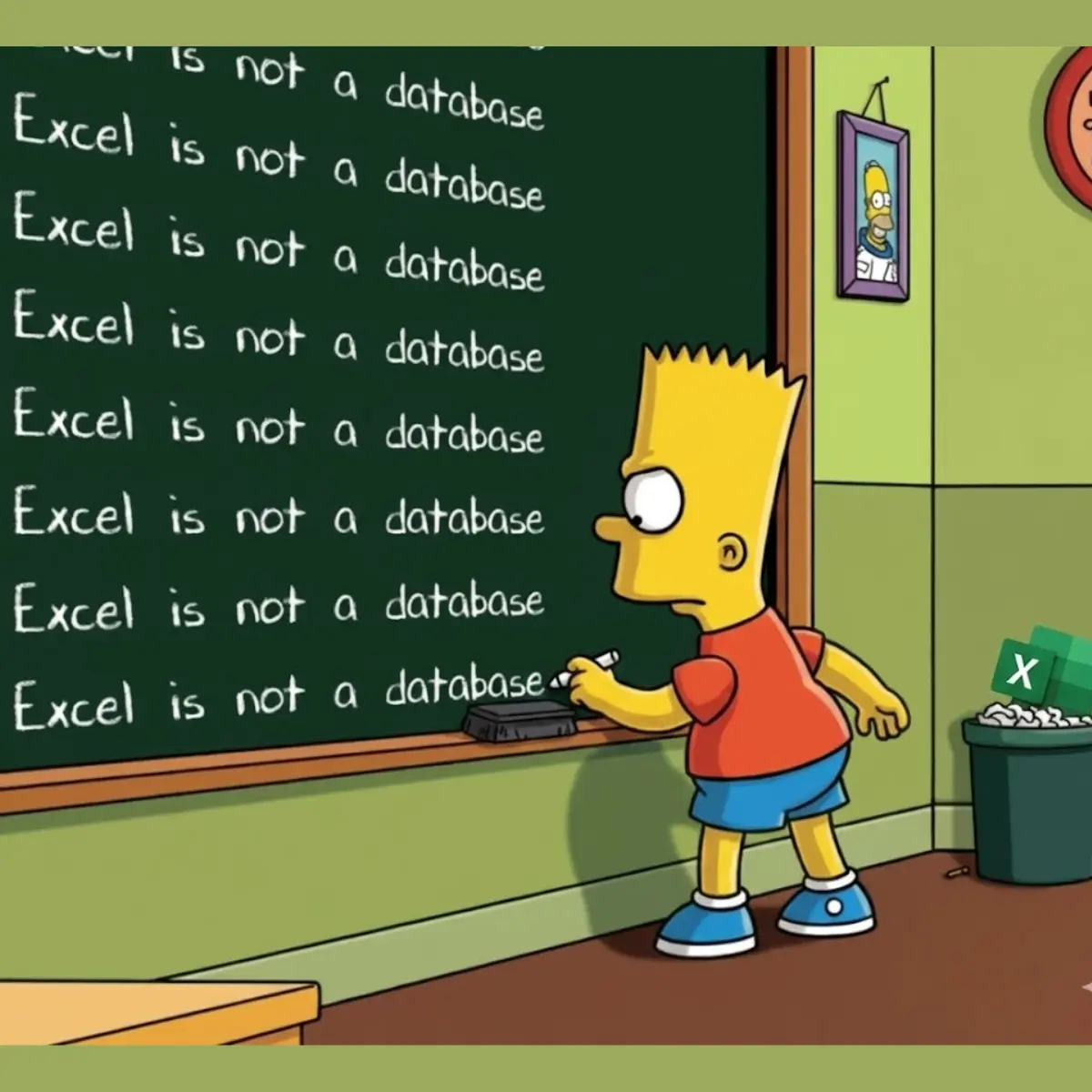
The Anti-Pattern: “Excel as a Database”
We need to state the brutal truth: Excel is not a database. It is a canvas for human thought.
Databases enforce schema. They enforce data types. They do not allow you to write “TBD” in a column defined as an Integer. Excel does none of these things. When you treat an Excel workbook as a production data source, you are essentially outsourcing your schema management to a business user who might decide that Sheet1 looked better if they merged cells A1 through C1 and highlighted them yellow.
The new Databricks features allow us to read these files natively. We can now easily mount a SharePoint volume and read .xlsx files directly into a DataFrame.
But the connector cannot fix the underlying engineering nightmare:
Schema Drift by Whim: A user renames “Revenue” to “2025 Rev (Est)” because it fit better on their screen. Your pipeline fails.
The “Human Null”: Users leaving cells blank not because the value is null, but because it’s “implied” from the cell above.
Formatting as Data: Using red text to denote a negative value or strikethrough to denote a deleted record. Spark cannot read font color. That data is lost.
The Tab Explosion: The “Master Data” was on Sheet1, but last week someone duplicated it to Sheet1 (Copy), replaced the original with a pivot table, and now your ingestion job is reading the wrong tab.
The Illusion of “Done”
The danger of this new Native Excel support is that it makes the Initial Load deceptively fast.
A junior engineer can now write a spark.read.format("excel") command and have a table populated in minutes. The stakeholder is happy. The ticket is moved to “Done.”
But at Gambill Data, we define “Done” differently. We define it by reliability.
If that pipeline breaks next Tuesday because Bob from Finance added a macro-enabled button to the header row, that is not a data asset. That is technical debt masquerading as a solution.
The Gambill Protocol: How to Survive the SharePoint Connector
We are massive proponents of Databricks. It is the lead platform in the Gambill Data stack. We will use these new connectors, but we will use them with extreme prejudice and strict governance.
If you must ingest Excel from SharePoint, here is the only way to do it without destroying your platform’s integrity:
1. The “Quarantine” Zone (Bronze Layer)
Do not try to clean Excel data on the fly. Ingest the file exactly as it is into a raw Bronze Delta table. If the schema changes, the ingestion should fail immediately and loudly, or capture the drift in a “rescue data” column.
Note: Never let raw Excel data touch the Silver layer without aggressive validation.
2. DLT Expectations are Mandatory
You must use Declarative Pipelines (DLT) with strict expectations.
CONSTRAINT valid_date EXPECT (date_col IS NOT NULL)CONSTRAINT no_merged_headers EXPECT (header_col != 'Totals')
If the Excel file violates these rules, the pipeline must drop the row or fail the batch. Do not silently fix it. Force the business user to correct their input.
3. The “Contract” Conversation
Before we build the pipeline, we establish a Service Level Agreement (SLA) regarding the file structure.
“You cannot rename columns.”
“You cannot add tabs.”
“You cannot use formatting to store information.”
If the client cannot agree to these terms, we do not build the pipeline. We recommend a PowerApp, a Microsoft List, or a proper source system entry.
4. The “Golden Template” Strategy: Engineering the Input
Sometimes, despite our best efforts, the business reality dictates that the data must originate in Excel. When the “Contract Conversation” ends with “We have no other way to input this,” we do not simply accept their file.
We engineer the workbook.
We deploy the Gambill Golden Template:
Structure Lockdown: We provide a template where header rows and tab names are password-protected. Users physically cannot rename columns or delete tabs.
In-Cell Enforcement: We use Data Validation to force types (Dropdowns, Dates, Integers) at the point of entry.
The VBA Gatekeeper: For critical datasets, we implement a
Workbook_BeforeSavescript. If the data breaks validation rules (e.g., duplicate keys, missing mandatory fields), the save is cancelled.
Why do we go to this length? Because it shifts the burden of quality left.
Conclusion: The Cardinal Rule
The new Databricks Excel and SharePoint features are powerful tools for ad-hoc analysis and data rescue missions. They are excellent engineering achievements.
But as architects, our job is to protect the Single Source of Truth.
We operate by one cardinal rule at Gambill Data: We don’t fix bad data in the pipeline. We prevent it from existing.
...But what happens when political or technical constraints prevent us from locking down the workbook? When we simply cannot engineer the input?
In those scenarios, we don’t just store the bad data. We build “Automated Rejection Loops”, processes that instantly provide feedback and education to the user, forcing them to correct the entry at the source rather than relying on IT to patch it.
...but exactly how we architect those feedback loops? That is for our next article.
Stop guessing about your data architecture. If you are struggling with fragile pipelines and SharePoint dependency hell, we need to talk.